
Dashboard
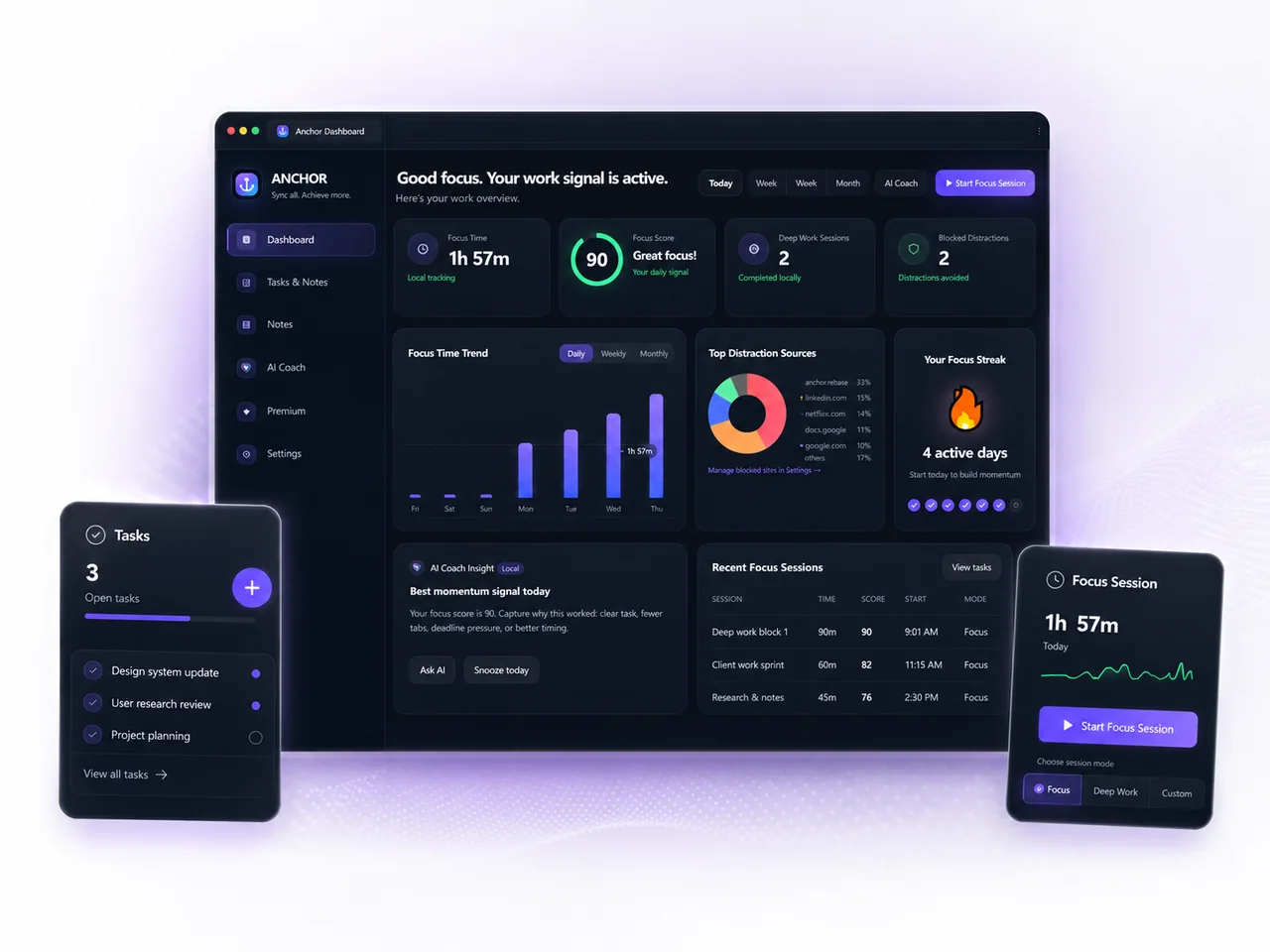
See focus time, score, blocked distractions, session history and action-ready coaching in one premium overview.
Open dashboard →Deep work system for modern browser-based work
Anchor turns your browser into a connected work layer. Start a focus session, save notes on the right pages, keep linked tasks close to the work, recover from distractions and ask AI what to do next.
Product surfaces
Anchor keeps the daily work layer inside the extension and gives you a clean web layer for account, sync, history and support.
See focus time, score, blocked distractions, session history and action-ready coaching in one premium overview.
Open dashboard →
Save linked tasks, move work through columns and keep a usable history of what changed or got finished.
Open tasks →
Capture page notes, global notes and saved links so the next work session starts with full context.
Open notes →Ask what is left today, what changed, how to structure the next block or how to close the day clearly.
Open AI Coach →
When a blocked site appears during focus, Anchor helps you return to work or capture the reason for switching.
Manage rules →
Close the day cleanly with finished work, unfinished work, tomorrow’s tasks and review-ready context.
Review day →Daily workflow
Anchor is built around real workdays. It supports the part people actually struggle with: starting, staying with the task, keeping context and deciding what to do next.
Start a 25–90 minute block from the popup, dashboard or a saved task.
Anchor tracks meaningful focus time while helping reduce noisy switching.
Create a note or task with the current page so you can return exactly where you stopped.
Close the loop before shutdown and carry forward only what still matters.
Full sync foundation
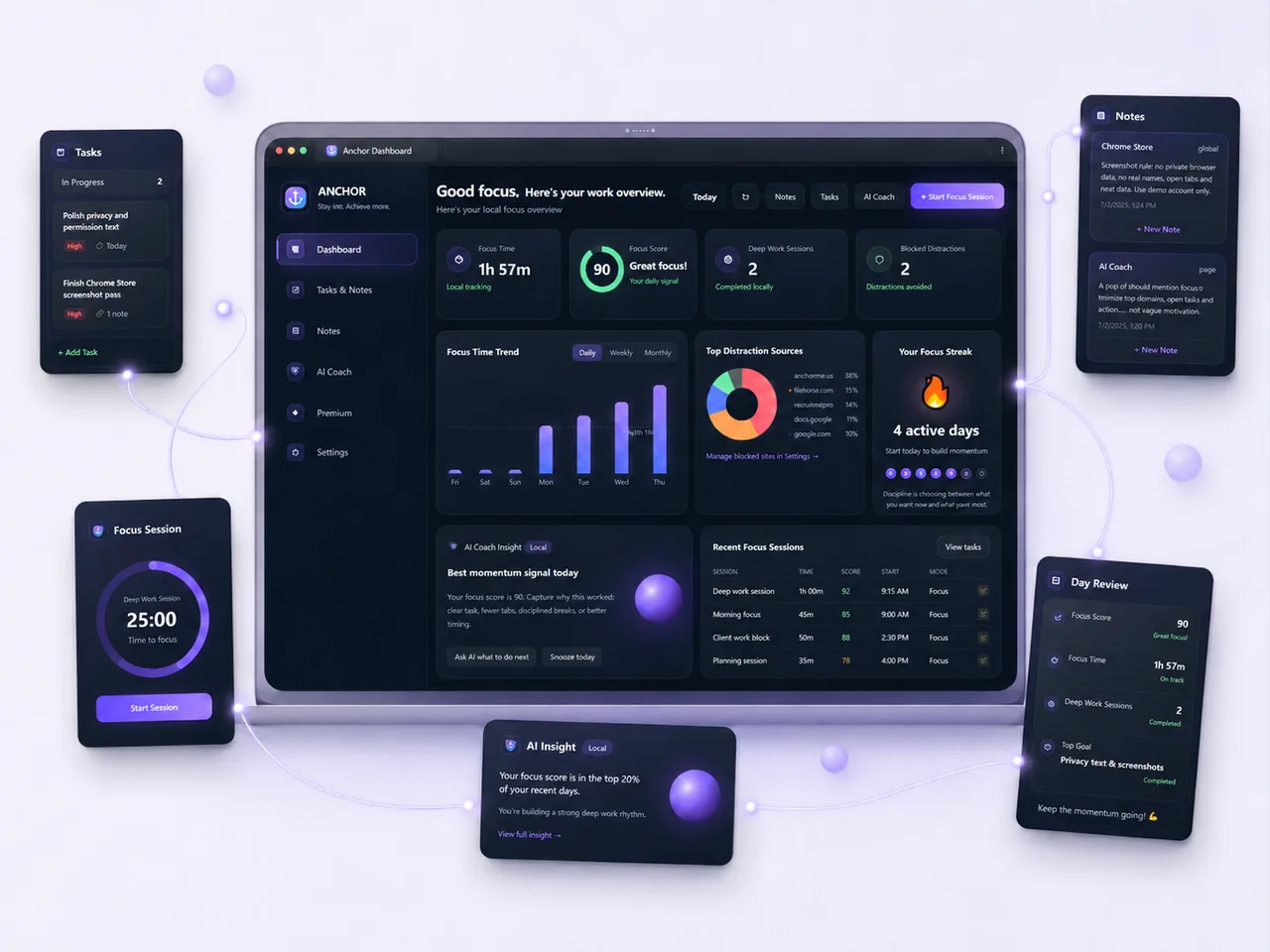
Anchor connects dashboard signals, tasks, notes, focus sessions, AI insight and day review so your work state stays understandable across surfaces.
AI coach
AI Coach uses the work context you already create inside Anchor: tasks, notes, focus patterns and day review. It helps with what is left, what changed and what the next step should be.
Free vs Pro
The core workflow stays useful on its own. Pro unlocks richer AI insight, stronger memory and a fuller connected account experience.
Anchor works as a practical daily workflow even when you want to stay local and simple.
Account sync helps bring your tasks, notes and session context into the web dashboard and support layer.
Questions about setup, privacy or access can be sent to contact@anchor.nexusbrowserai.com.
Ready to start